![kalungi logo black.svg]](https://help.kalungi.com/hubfs/HubSpot_Template_Marketplace/Turbo%20Mercuric/Logo/kalungi%20logo%20black.svg)
If you are new to the HubSpot CMS and the Drag and Drop system, check out this article to get you all set and ready.
Atlas Pro users have access to an animation library for all modules. The Animation on scroll group field can be found in the module’s content editor. To learn more about how to customize animations on scroll, check out this separate article.
Index
Blog Posts Lists
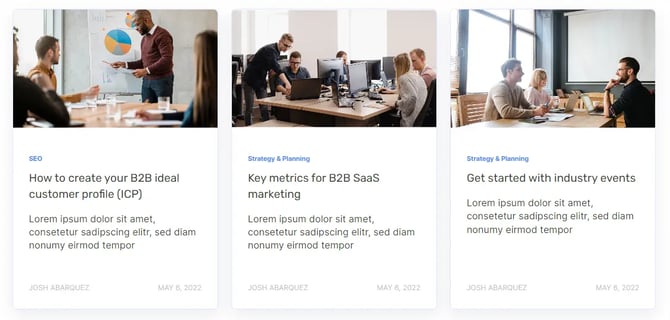
Showcasing relevant blogs can greatly enhance your customer engagement. Pointing toward blogs that add relevant content to your page can give users a better understanding of your expertise.
The Blog Post List module allows you to showcase cards for multiple blog posts. The card’s contents get pulled automatically from your published Blog Posts. You can disable/enable your cards' summary, image, author, date, and tag. You can also select a custom number of posts and columns. If you’d like to know more about how blogs and blog posts work, check out our blog guides.
Callout
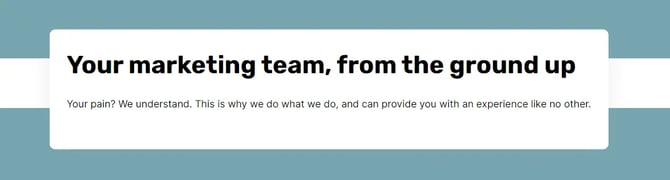
A callout is a stylized box for featured content. It stands out from other types of content to draw users’ attention.
The Callout module allows you to feature columns of “floating” content that can overlap with other sections. Each column features a preheader, a rich text field, a primary call to action, a secondary call to action, a form, an alignment option, a max width input field, and a preheader color option. Your callout can overlap any other sections, modules, or content. You can set a transition value to change its position on the vertical axis.
Cards Slider
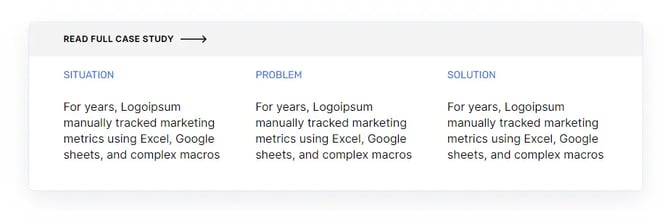
A card is a stylized box of content often used when multiple instances of a subject need to be showcased. A cards slider allows the user to navigate through your cards, looking at one card at a time, which grants a bigger content area.
The Cards Slider module allows you to create multiple cards. Each card has a featured image, a header, and up to three content columns. The header includes a call to action button with multiple styling settings such as background, text color, hover colors, etc. The content columns are edited through a rich text field, making them highly customizable.
Content Toggle
A content toggle enables and disables specific content depending on its position.
The Content Toggle module changes the visibility of any content on your page that lives inside a rich text field. It does so by applying properties to custom CSS classes, which must be added to our rich text source elements. Check out this detailed tutorial on how to use the Content Toggle module and implement these classes.

Custom Anchor
An anchor tag is an element used to define the location of a content within a page. This allows for buttons or links to automatically navigate the user to the position of the said anchor tag.
The Custom Anchor module is meant to be positioned right on top of the content you want to reference. It has a single text field for your anchor tag. You can then reference this anchor tag with any link or button. Check out this tutorial on how to use anchors module to redirect your users to specific content within a page.

Custom Blog Subscribe
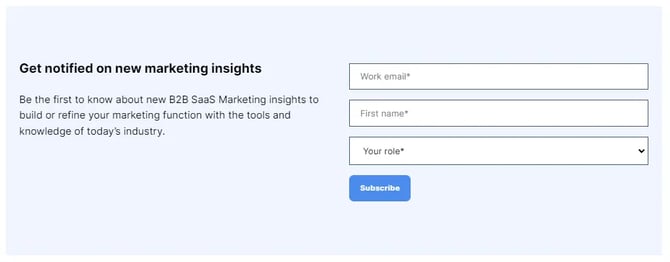
A blog subscription form prompts the user for their basic information for them to be added to a mailing list with updates on your blog.
The Custom Blog Subscribe module includes a header rich text field, a Blog object selector, a title, and a response rich text field, which will pop up once the user submits the form. Keep in mind that the module will display a subscription form only when the corresponding blog subscription emails (for that specific blog) have been set up.
Custom Image
Images are a key component of web design. They can communicate ideas in ways that text can’t. They also amount to visual stimulation and provide places for users to rest their eyes.
The Custom Image module allows you to add a responsive image to your site alongside multiple configurations such as alt text, size, maximum size, image loading, and alignment.

Custom Rich Text
A rich text is a type of field that allows users to highly customize content. You can change font sizes, weights, colors, and spacings and add multiple types of elements such as links, images, files, CTAs, and more. HubSpot’s rich texts allow you access the rich text source code, which is the raw inline HTML code that gives structure to the content.
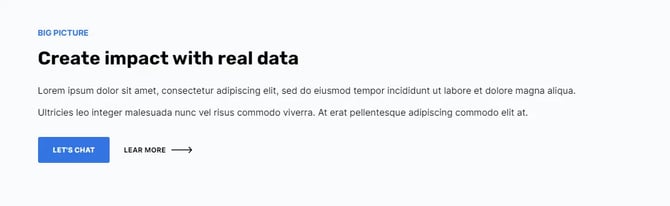
The Custom Rich Text module includes a preheader, a rich text, a primary call to action, a secondary call to action, a form, an alignment option, a max width input field, a preheader color option, and a Custom bullet list icon option, which turns the bullets on bullet lists into an icon of your choice. You can also use the rich text field to embed any HTML elements, making it one of our most versatile modules.
FAQ
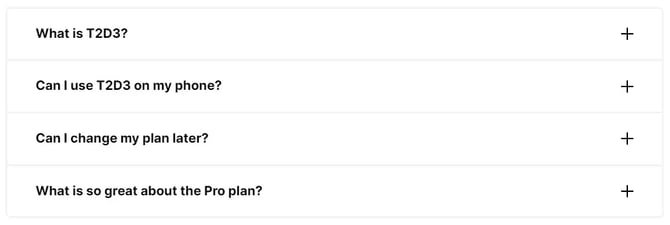
A frequently asked questions section is intended to summarize answers to common questions through toggle lists.
The FAQ module allows you to list questions as items. Each item has a title field representing the question and a description rich text field representing the answer.
Featured Cards
A featured cards section showcases multiple contents or topics you want your users to know about.
The Featured Cards module spotlights your first card on the first column and lists the rest of the cards on the second column. All cards feature a preheader, a rich text field, an image, and a call to action button.

Footer
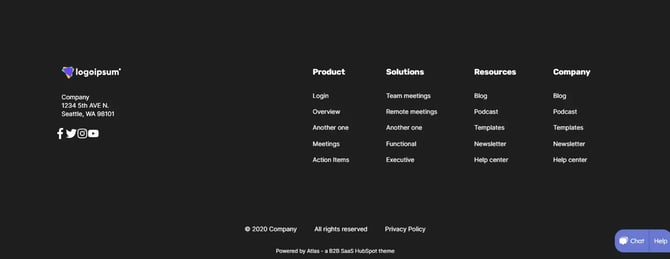
The footer is an area at the bottom of your page that summarizes your site’s basic information and lists important links.
The Footer module is a local instance of the Normal variant footer used in your global footer. You can change the logo, address, social networks, navigation buttons, legal disclaimer, and padding. To learn more about how the footer and its menus work, check out this article on customizing the global footer content.
Four Column Card Grid
A card grid section showcases multiple contents or topics you want your users to know about.
The Four Column Card Grid module features a row of four simplified cards with an option to overwrite the spacing between them. Each card has an optional image, preheader, content, and a call to action button. The module includes a card search option, which enables a search bar for your users to find cards with specific content.

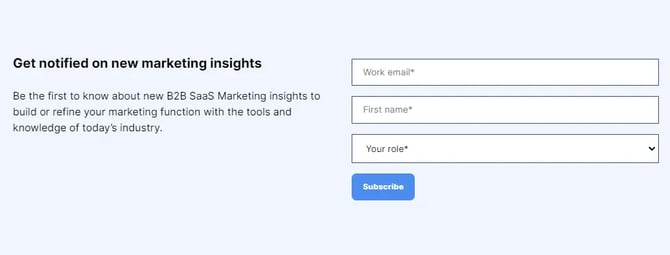
Global Blog Subscribe
A blog subscription form prompts the user for their basic information for them to be added to a mailing list with updates on your blog.
The Global Blog Subscribe module is a global type of content. This means that once this module’s content gets edited, all the instances of the module that live on your page will also get updated.
This module includes a header rich text field, a Blog object selector, a title, and a response rich text field, which will pop up once the user submits the form. Keep in mind that the module will display a subscription form only when the corresponding blog subscription emails (for that specific blog) have been set up.
Global Social Sharing
A social sharing section lists buttons or links that lead to your social media pages.
The Global Social Sharing module is a global type of content. This means that once this module’s content gets edited, all the instances of the module that live on your page will also get updated. This module features a rich text header and multiple social network icons meant to redirect users to your page on each platform. The module supports Facebook, Twitter, Linkedin, Pinterest, and an email address. It also features a Link URL field meant for you to input your company’s site URL to automatically set your social network URLs, but it’s recommended to ensure the links get properly set.

Hero Banner 01
A hero section is meant to be used at the top of your pages as a first impression of your site. Use it to describe what your company does and point users toward key actions.
The Hero Banner 01 features an image, a preheader, a rich text, a primary call to action, a secondary call to action, and a form.
Hero Banner 02
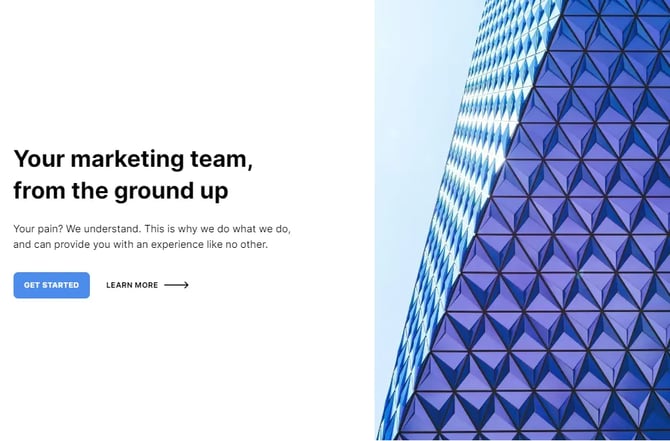
A hero section is meant to be used at the top of your pages as a first impression of your site. Use it to describe what your company does and point users toward key actions.
The Hero Banner 02 features an image with extended alignment settings, a preheader, a rich text field, a primary call to action, a secondary call to action, and a form. The extended image alignment settings and general aesthetics are its key differences from other hero section modules.

Hero Banner 03
A hero section is meant to be used at the top of your pages as a first impression of your site. Use it to describe what your company does and point users toward key actions.
The Hero Banner 03 features an image with extended sizing settings, a preheader, a rich text field, a primary call to action, a secondary call to action, and a form. Its key differences from other hero section modules are the extended image sizing settings, general aesthetics, and an included form as default.
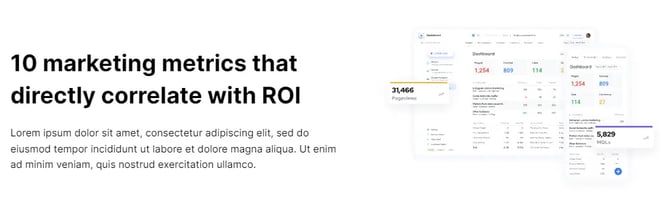
Image + Text
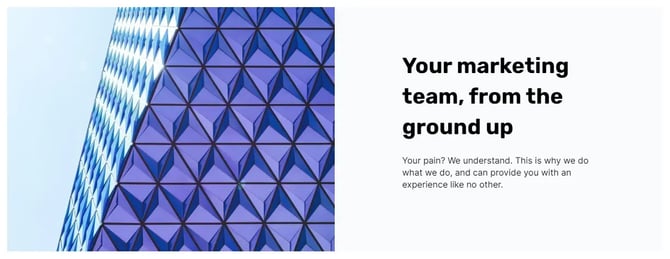
An image and text section showcases content in the form of text with an image to add context and keep your page visually stimulating.
The Image + Text module features a preheader, a rich text field, a primary call to action, a secondary call to action, a custom form, an alignment setting, a content max width setting, a preheader color setting, an image, a padding setting and a toggle option to switch the image and text positions.
Logo Slider
A logo slider section exhibits multiple logos that often represent your client’s logos, your product’s logos, or features of a product and allows the user to slide through the logos by dragging them.
The Logo Slider module allows you to showcase multiple logos with embedded links for each one. The logos slide as the user drags them, but it can also be set to autoplay mode. It also features an extensive list of animation, spacing, and formatting options such as type of animation, slides per view, animation timing, direction, and more.

Logo Soup
A logo soup section exhibits multiple logos that often represent your client’s logos, your product’s logos, or features of a product.
The Logo Soup module allows you to showcase multiple logos with embedded links for each one. You can adjust the number of columns and the spacing.

Lottie Animation
LottieFiles is a platform that allows designers to update animations for you to browse and download.
The Lottie Animation module allows you to embed a Lottie animation into your site. The module uses a public Lottie JSON URL as a source for your animation. You can change the play mode, direction, width, height, animation speed, autoplay, and more.

Modal Card About
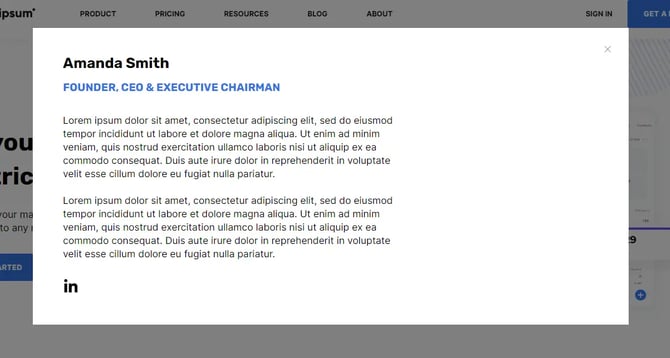
Modals are a type of triggerable window that takes relevance away from the main window to highlight pop-up content. A card about is a stylized boxed container with relevant content of a specific person or subject.
The Modal Card About module, like any other modal module, triggers a pop-up card when referenced through a link or button. The card features a rich text field header, a content rich text field, social links, and an image. The required HTML ID field allows you to input a unique identifier that can then be referenced through any Href fields, which can be set within a call to action or an anchor.
Modal Card Offer
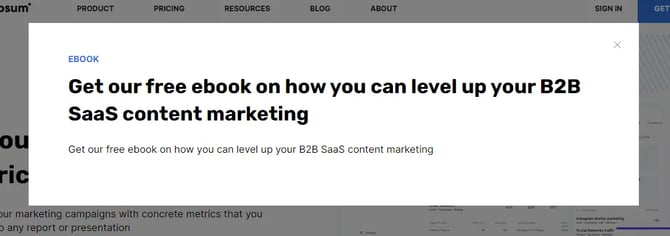
Modals are a type of triggerable window that takes relevance away from the main window to highlight pop-up content. An offer card is a stylized boxed container with an offering.
The Modal Card Offer module, like any other modal module, triggers a pop-up card when referenced through a link or button. The card features a preheader, a rich text field, a primary call to action, a secondary call to action, a form, and an alignment setting. The required HTML ID field allows you to input a unique identifier that can then be referenced through any Href fields, which can be set within a call to action or an anchor. If you’d like to learn more about setting up your modals, check out our article on modals.
Navbar with Menu
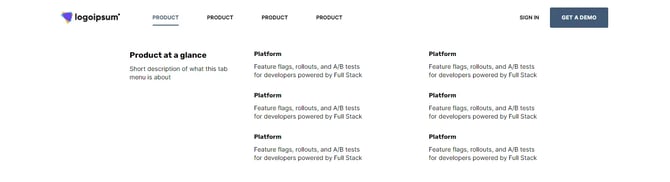
The navbar is where you will be able to edit the website logo, navigation menu, the primary call to action, and the secondary call to action.
The Navbar with Menu module is a local instance of the Mega Menu variant header used in your global Header. You can edit the website logo, navigation menu, the primary call to action, and the secondary call to action. To learn more about how the header and its menus work, check out this article on customizing the global header content.
Offer Bar 01
An offer bar is a horizontal banner or card that leads the user toward an action related to an offer.
The Offer Bar 01 module allows you to point your users toward a feature or product. It features a preheader, a rich text field, a call to action button, and an image.

Pricing Cards
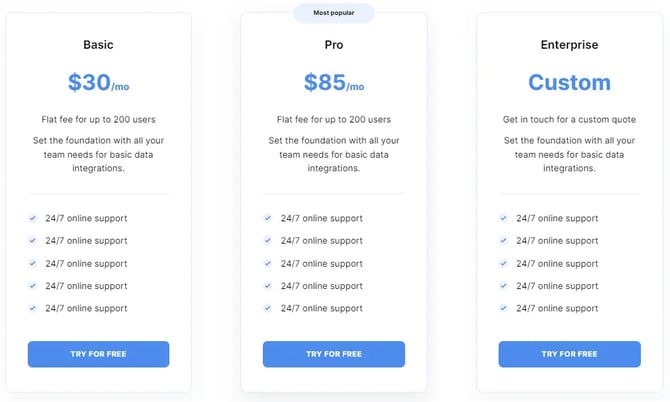
Pricing cards are a design element used to compare multiple pricing plans, price comparisons, or subscriptions.
The Pricing Cards module allows you to create multiple cards for your pricing plans. Each card features a header, an icon, a price rich text field, a description rich text field, a features listing, a call to action, and a badge. The features list items each have a description and an icon or image with sizing options.
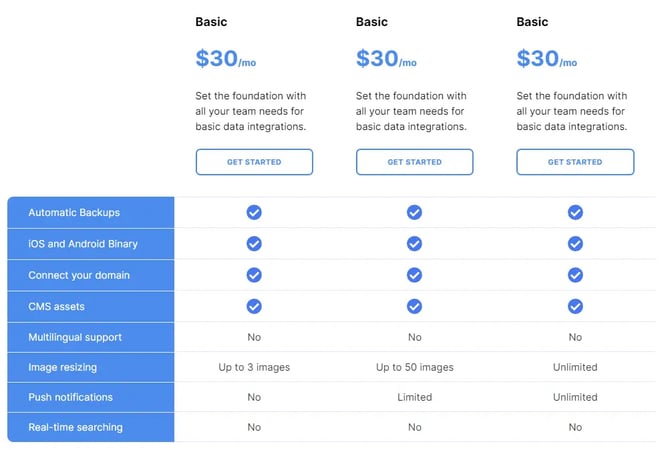
Pricing Table 01
A pricing table is a type of table of contents designed to compare multiple pricing plans, price comparisons, or subscriptions alongside features for each column.
The Pricing Table 01 module features a rich text field for every cell, allowing for highly customizable content. The header includes multiple styling configurations, a title rich text field, a content rich text field, a call to action button, and more. The rows also include a title rich text field and columns with content rich text fields.
Pricing Table 02
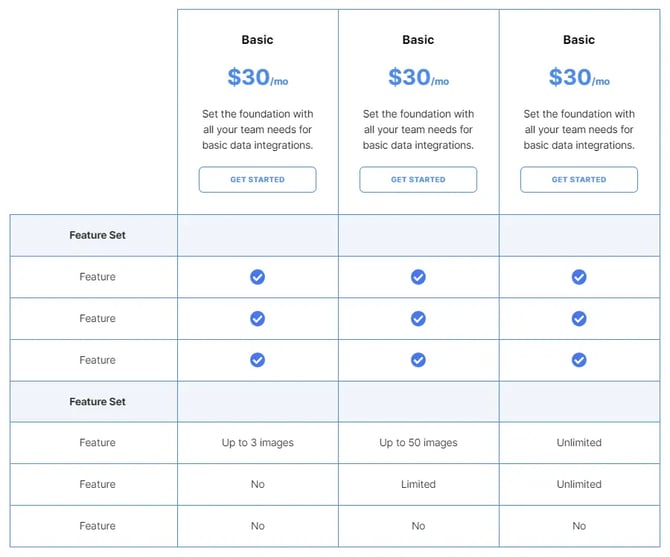
A pricing table is a type of table of contents designed to compare multiple pricing plans, price comparisons, or subscriptions alongside features for each column.
The Pricing Table 02 module features a rich text field for every cell, allowing for highly customizable content. The header includes multiple styling configurations, a title rich text field, a content rich text field, a call to action button, and more. The rows also include a title rich text field and columns with content rich text fields. Its key differences from other pricing table modules are the defined borders and general aesthetics.
Product Features 01
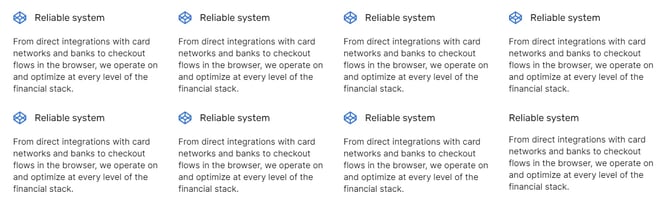
A product features section exhibits the key points of interest of a product your users should know about.
The Product Features 01 module allows you to exhibit organized blocks of content. Each block features a title, a description, and a figure, which can be an image or an icon.

Product Features 02
A product features section exhibits the key points of interest of a product your users should know about.
The Product Features 02 module allows you to exhibit organized blocks of content. Each block features a title, a description, and a figure, which can be an image or an icon. This particular version of the product features modules includes a maximum width setting and an alignment setting.
Product Features 03
A product features section exhibits the key points of interest of a product your users should know about.
The Product Features 03 module allows you to display features with extended content and navigate them through tabs. Each feature has a title, an image, a content rich text field, a max width setting, a primary call to action, and a secondary call to action.
Product Features 04
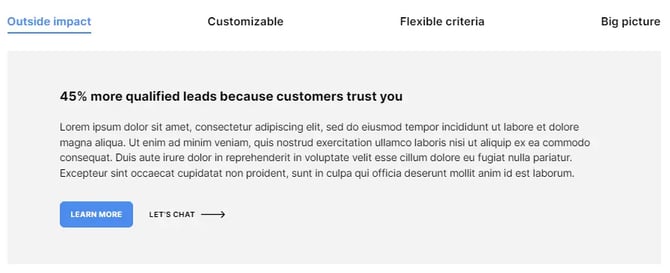
A product features section exhibits the key points of interest of a product your users should know about.
The Product Features 04 module allows you to display features with extended content and navigate them through tabs. The module includes a description rich text field, multiple color and styling settings, and a list of features. Each feature has a title, a tab icon, an image, a content rich text field, a primary call to action, and a secondary call to action.
Simple Card
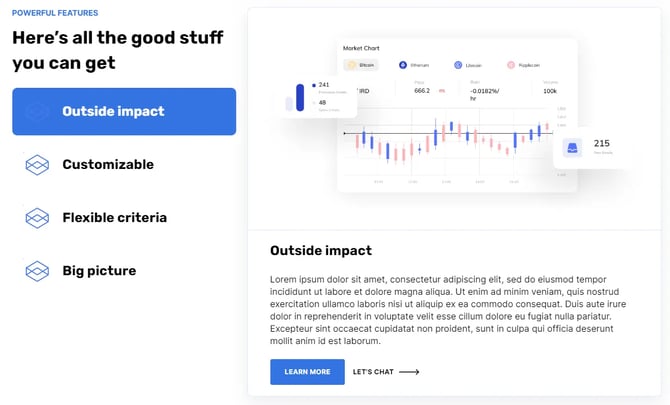
A card is a stylized box of content. There are multiple situations where a card can add helpful content.
The Simple Card module is a responsive and versatile module for organizing our content. It features a preheader, a content rich text field, an image, a call to action, a form, a background color setting, a box shadow setting, and a border-radius setting.
Simple Footer
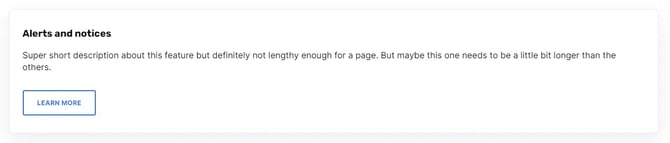
The footer is an area at the bottom of your page that summarizes your site’s basic information and lists important links.
The Simple Footer module is a local instance of the Simple variant footer used in your global footer. It features a legal disclaimer rich text field. To learn more about how the footer and its menus work, check out this article on customizing the global footer content.

Simple Navbar
The navbar is where you will be able to edit the website logo, navigation menu, the primary call to action, and the secondary call to action.
The Simple Navbar module is a local instance of the Simple variant header used in your global Header. You can edit the website logo, navigation menu, the primary call to action, and the secondary call to action. To learn more about how the header and its menus work, check out this article on customizing the global header content.

Social Sharing
A social sharing is a listing of buttons or links that lead to your social media pages.
The Social Sharing features multiple social network icons meant to redirect the user to the personal page of each platform. The module supports Facebook, Twitter, Linkedin, Pinterest, and an email address. It also features a Link URL field meant for you to input your company’s site URL to automatically set your social network URLs, but it’s recommended to make sure the links get properly set.

Testimonials
A testimonials section is used to display your past clients’ experiences through quotes.
The Testimonials module allows you to exhibit cards with your clients’ information and quotes. Each card features an author, the author’s position, the quote’s content, the author’s image, the image’s alt text, and an option to overwrite the card’s background color.
Testimonials Slider
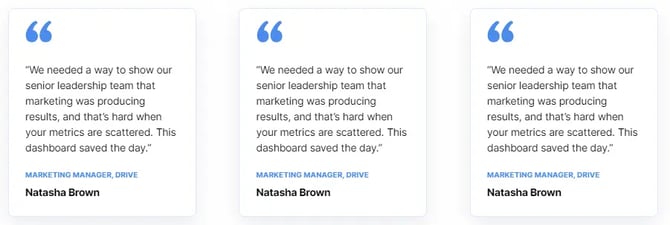
A testimonials slider is used to display your past clients’ experiences through quotes. The slider feature allows the user to navigate through your cards by dragging them.
The Testimonials Slider module allows you to exhibit cards with your client’s information and quotes. The cards slide as the user drags them. Each card features an author, the author’s position, the quote’s content, the author’s photo, a content image, a primary call to action, and an option to overwrite the card’s background color and border.

Three Column Card Grid
A card grid section showcases multiple contents or topics you want your users to know about.
The Three Column Card Grid module features a row of three simplified cards with an option to overwrite the spacing between them. Each card has an optional image, preheader, content rich text field, and call to action button. The module includes a card search option, which enables a search bar for your users to find cards with specific content.

Timeline
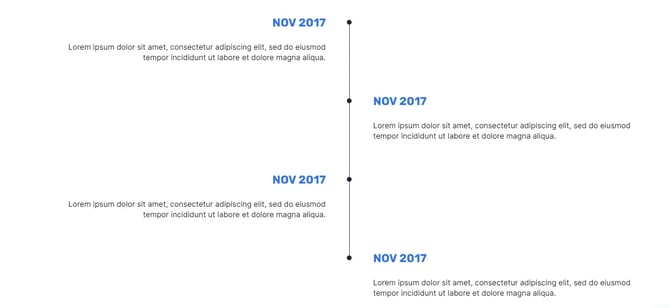
A timeline represents events that took place over a period of time. It is often used to showcase milestones, a development process, or a story.
The Timeline module uses a vertical format with a list of items for each event. The event items include a rich text each, allowing you to highly customize their contents and style.